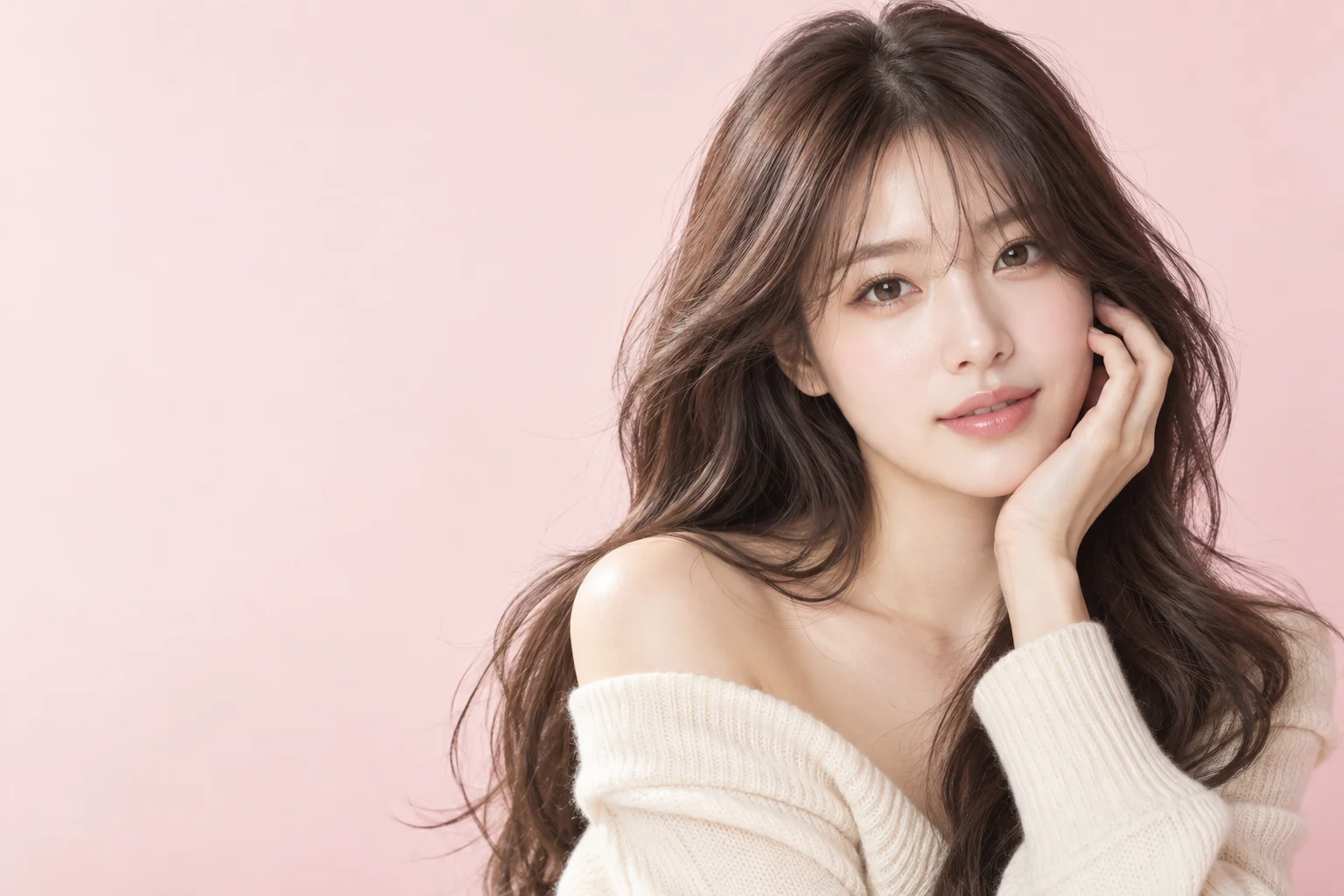
What is this style?
A virtual hair color changer helps compare broad color directions on the same face and haircut. TryOnMe currently offers shades such as Ash Brown, Pink and Platinum Blonde. Choosing a color card starts the same private upload and payment flow as a hairstyle. The AI should change the hair appearance while keeping the person and surrounding photo recognizable.
AI Hair Color Changer Variations
Natural Color
Explore subtle brown changes.
Statement Color
Compare pink or very light blonde.
What does it look like?
Compare the result in the original image’s lighting. A pale shade can appear different against dark clothing or bright daylight, and a cool shade can look warmer under indoor lights. The displayed cards are examples; your output is generated from your own image.
Things to consider
AI colors are visual ideas, not chemical color forecasts. Existing dyes, hair condition and starting shade affect real outcomes. A professional colorist can help with feasibility, lightening stages and upkeep after you narrow down the direction you like.
Start with my photo
Your photo is never shown on public style pages.
Change My Hair Color With AI ↗Frequently Asked Questions
Can I preview this style?
Yes. Choose an available look and upload your photo. An AI result is a visualization, not a guarantee of a real haircut.
Will my face change?
TryOnMe aims to keep your facial identity consistent. Compare the original and generated image.
Is my photo published here?
No. Your portrait is handled in the private try-on flow.